


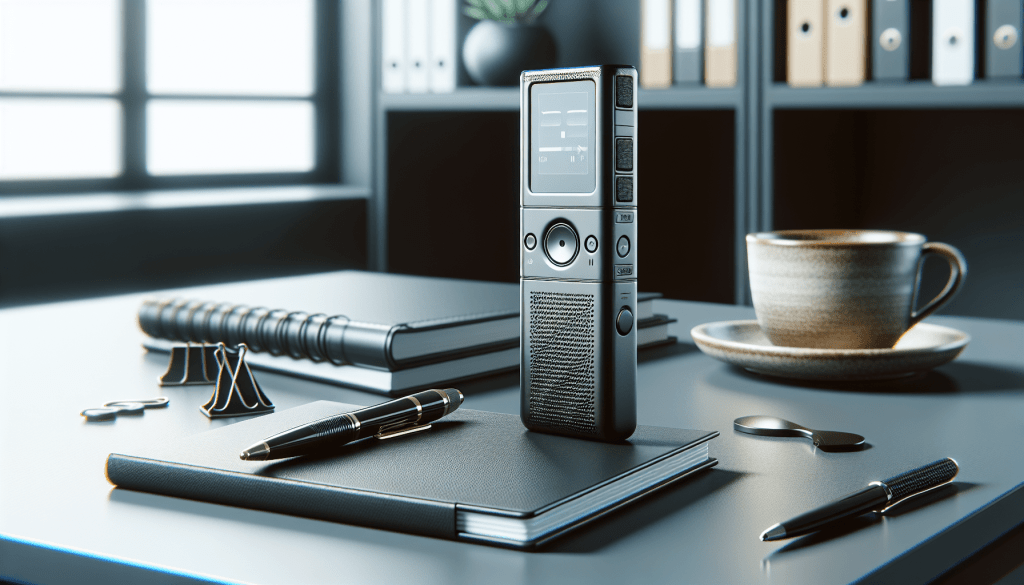
Have you ever wondered how to effectively use a voice-activated recorder (VAR) in your daily life? We’ve got you covered! Let’s dive into the ultimate guide to using a voice-activated recorder and discover all the amazing ways this device can simplify your tasks and enhance your productivity.


Getting Started with a Voice-Activated Recorder
So, you’ve got your hands on a voice-activated recorder, but you’re not quite sure where to begin. Don’t worry, we’re here to help! The first step is to familiarize yourself with the device and its features. Make sure to read the user manual carefully to understand how to operate the recorder effectively.
Understanding the Basics
Before diving into the advanced features of a voice-activated recorder, it’s essential to grasp the basics. Get to know how to adjust the recording settings, playback recordings, and transfer files to your computer or other devices. By mastering these fundamentals, you’ll be able to make the most out of your voice-activated recorder.
Practical Uses of a Voice-Activated Recorder
Now that you’re familiar with the basic functionalities, let’s explore some practical uses of a voice-activated recorder in various aspects of your life.
Meetings and Interviews
One of the most common uses of a voice-activated recorder is to record meetings and interviews. Instead of scribbling down notes furiously, you can simply turn on your recorder and let it capture every word spoken. This way, you can focus on the conversation without being distracted by taking notes, and you can always refer back to the recording for clarification.
Educational Purposes
Students can greatly benefit from using a voice-activated recorder to record lectures and classes. By recording the audio, you can revisit the material later to reinforce your understanding of the subject. This is especially helpful for complex topics or fast-paced lectures where it’s challenging to keep up with note-taking.
Dictation and Voice Memos
Need to jot down a quick idea or reminder? A voice-activated recorder is perfect for recording voice memos on the go. Whether you’re brainstorming ideas for a project or remembering a task, simply speak into the recorder, and your thoughts will be safely stored for future reference.

Tips for Effective Recording
To ensure the quality and clarity of your recordings, here are some tips to keep in mind when using a voice-activated recorder.
Choose the Right Recording Mode
Most voice-activated recorders offer different recording modes, such as high-quality, standard, or long-play. Depending on the purpose of your recording, select the appropriate mode to achieve the best results. For important meetings or interviews, opt for a high-quality recording mode to capture every detail accurately.
Positioning of the Recorder
The placement of the voice-activated recorder plays a crucial role in capturing clear audio. Make sure to position the recorder close to the source of the sound, whether it’s a speaker in a meeting or a lecturer in a classroom. Avoid placing the recorder near noisy distractions to prevent interference with the recording.
Test the Recording Beforehand
Before embarking on an important recording session, it’s advisable to test the voice-activated recorder to ensure everything is working correctly. Check the battery life, recording settings, and microphone sensitivity to avoid any technical glitches during the recording. It’s better to be safe than sorry!
Transcribing and Editing Recordings
Once you’ve recorded the audio using a voice-activated recorder, the next step is to transcribe and edit the recordings for better organization and clarity.
Transcribing Tools
There are various transcription tools and software available that can help you transcribe your recordings more efficiently. From automatic speech-to-text conversion to manual transcription tools, choose a method that suits your needs and preferences. Transcribing recordings can be time-consuming, so consider using tools to streamline the process.
Editing for Precision
After transcribing the recordings, it’s essential to edit the content for accuracy and precision. Eliminate any background noise, fillers, or irrelevant sections to ensure the final transcript is clear and concise. You can also add timestamps or annotations to highlight important points in the recording.
Storing and Organizing Recordings
Managing a large number of recordings can be overwhelming without a systematic approach. Here are some tips for storing and organizing your recordings effectively.
File Naming Convention
Develop a consistent file naming convention for your recordings to easily identify and retrieve them when needed. Include relevant details such as date, time, location, and subject matter in the file name to categorize recordings efficiently. This will save you time searching for specific recordings in the future.
Folder Organization
Create separate folders or directories to categorize your recordings based on different criteria. Whether it’s by project, client, or type of recording, organizing your files into specific folders will help you locate recordings quickly and maintain a structured recording library. Consider creating subfolders for further categorization if needed.
Backup and Storage
To prevent the loss of important recordings, it’s crucial to regularly back up your files to external storage devices or cloud services. Make it a habit to create backup copies of your recordings to safeguard them against unexpected data loss. Choose a reliable storage solution to ensure the long-term preservation of your recordings.
Final Thoughts
We’ve covered the essential aspects of using a voice-activated recorder effectively, from getting started with the device to practical recording tips and organizing strategies. By following these guidelines and incorporating a voice-activated recorder into your daily routine, you can simplify tasks, enhance productivity, and capture important moments with ease. Whether you’re a student, professional, or creative individual, a voice-activated recorder can be a valuable tool in your arsenal. Happy recording!